

Last updated: October 30, 2026
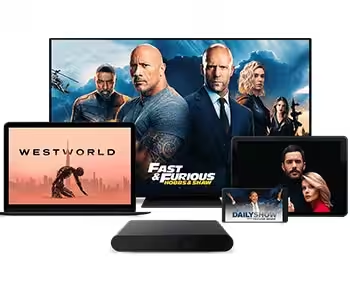
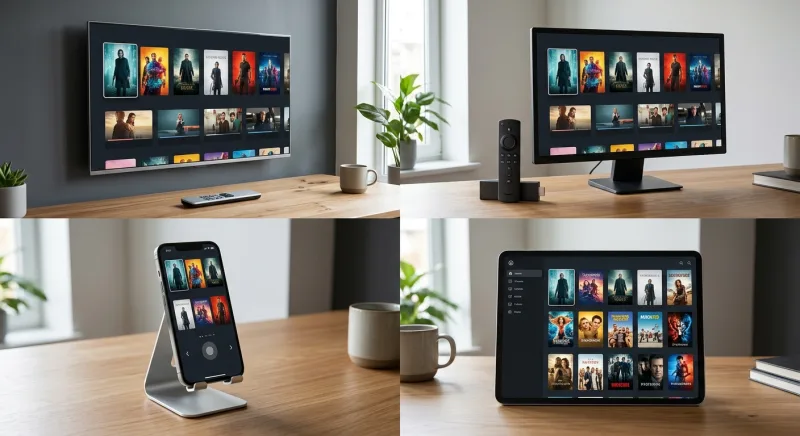
IPTV devices are the hardware — Smart TVs, Firestick, Android TV boxes, Apple TV, Roku, phones, tablets, and MAG boxes — that run an IPTV app or service to stream live channels and shows.
Any device with internet access and app support can usually run IPTV devices with no extra hardware, making setup easy for most homes.
What Are IPTV Devices? (Quick Answer)
IPTV devices are the screens and boxes you already own that turn internet data into live TV and on-demand shows. Internet Protocol Television (a way of sending TV signals over the internet instead of through cable wires or satellite dishes) is the tech behind every stream.
Once you get that, picking the right IPTV devices gets a lot less mixed up.
World standards say IPTV means multimedia services — television, video, audio, text, graphics and data — sent over managed networks with set levels of quality, safety and trust. That's the formal version. In plain terms, it just means TV through your internet connection. (International Telecommunication Union, ITU)
The hardware side matters because not every gadget handles streaming the same way. Some IPTV devices are built for it, like Android TV boxes. Others, like an old phone, can still work fine with the right app installed.
IPTV Device vs. IPTV Service: What’s the Difference
A device is the hardware. A service is the content and app running on it. People mix these up constantly, and it causes real confusion when shopping for IPTV devices.
Think of it like a car and fuel. The Firestick or Smart TV is the car. The IPTV subscription is the fuel that makes it go. You need both working together.
Digital Video Broadcasting Internet Protocol Infrastructure (an open tech standard that sets how video and audio reach your home over an internet link) is what lets different devices and services work together smoothly. That's why most IPTV devices can run almost any real service, as long as the app is backed. (DVB Project, Digital Video Broadcasting)
If you already own a Smart TV, Firestick, tablet, or iPhone, you likely own a capable IPTV device right now. No extra box needed in most cases.
Which IPTV Devices Are Compatible with Most Services?
Most modern IPTV devices work with most IPTV services, since nearly all run on standard apps like IPTV Smarters or similar players. The real differences come down to remote controls, app stores, and how smooth the interface feels day to day.
- Smart TVs — built-in app stores, no extra hardware needed
- Amazon Firestick — plug-in simplicity, huge app library
- Android TV boxes — flexible, often the cheapest route to 4K
- Apple TV and iOS devices — smooth interface, strict app rules
- Roku — simple menus but tighter app restrictions
- MAG boxes — older, purpose-built IPTV set-top hardware
Smart TVs and Android TV
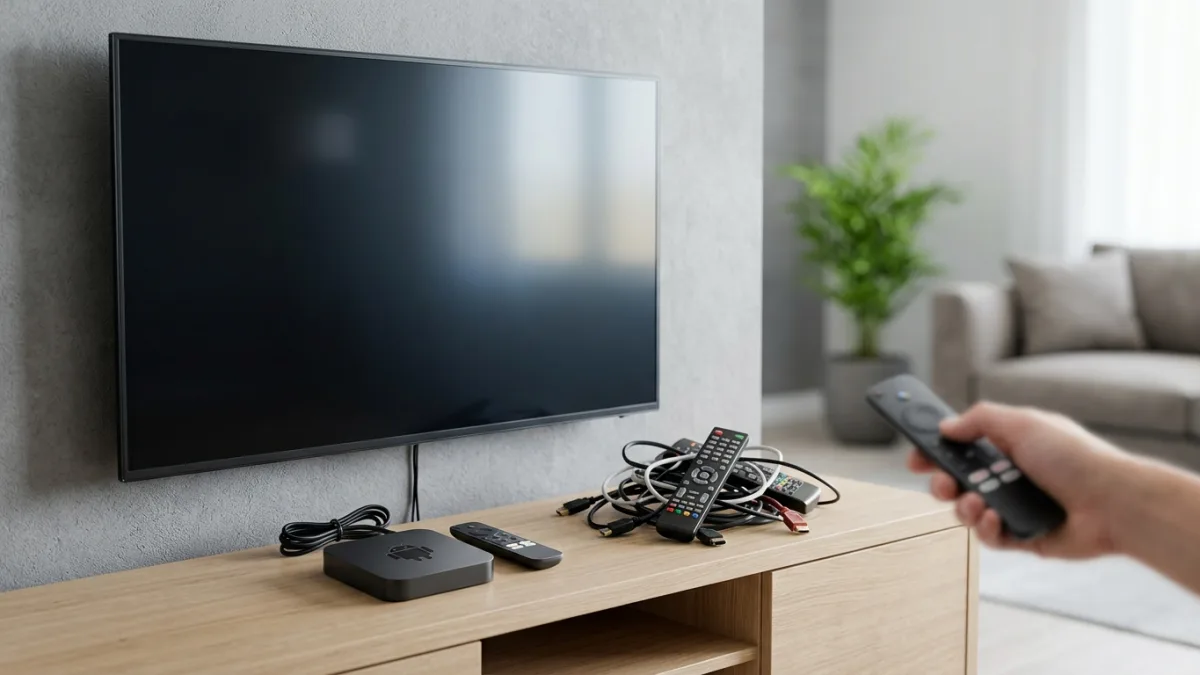
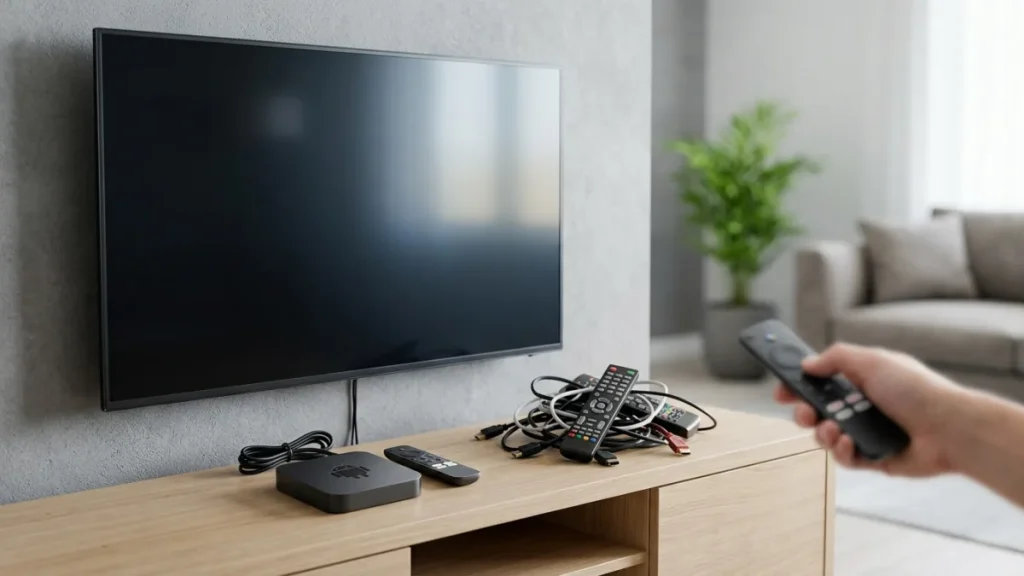
Smart TVs are the easiest way in for most people. You skip extra cords, extra remotes, and extra clutter near the TV. Android TV adds an open app store, so IPTV devices running Android tend to support the widest range of apps.
Amazon Firestick
Apple TV and iOS Devices
Apple TV, iPhone, and iPad all support IPTV apps, though Apple’s app store rules are stricter. Many providers get around this with direct install profiles or web-based players, so these IPTV devices still work well in practice.
Roku
MAG Boxes and Set-Top Devices
Regulators have also looked at this space. The Federal Communications Commission has said that buyers in the past had little choice in the boxes used to get pay-TV shows, and has studied ways to widen that choice. That past is part of why so many IPTV devices exist today. (Federal Communications Commission, FCC)
How Do You Set Up an IPTV Device?
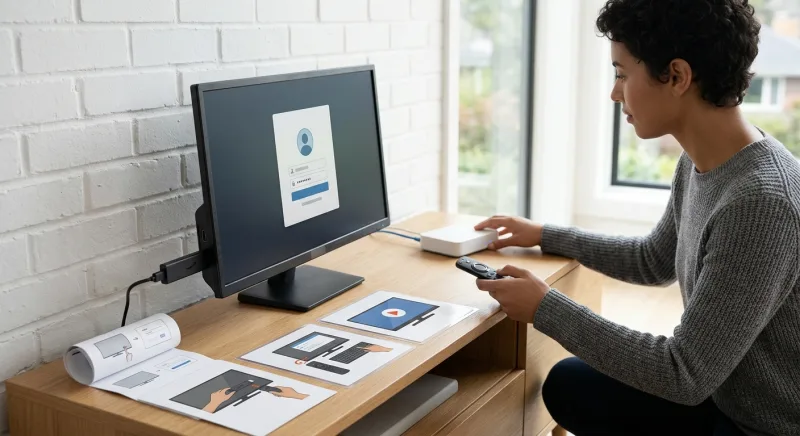
Setting up IPTV devices takes just a few steps: install the app, enter your login details or playlist link, connect to the internet, and start watching. Most people finish in minutes, not hours, especially with a clear guide in front of them.
We built our own process around a 1-minute setup with a step-by-step guide, plus instant activation after checkout. That speed isn't typical ad talk — it shows how simple modern iptv devices have become to set up.
What You Need Before You Start (App, Connection, Credentials)
Before you touch any settings, gather three things: a steady internet link, the IPTV app on your device, and your login details or M3U playlist link. Having these ready stops most setup headaches on IPTV devices.
- Download the IPTV app on your chosen device
- Open the app and select “Add Playlist” or “Login”
- Enter your username, password, or M3U URL
- Confirm your connection and let the channel list load
- Start streaming live TV or on-demand content
If you’re setting this up on a television specifically, the guide on how to set up IPTV on your smart tv covers the exact menu screens step by step.
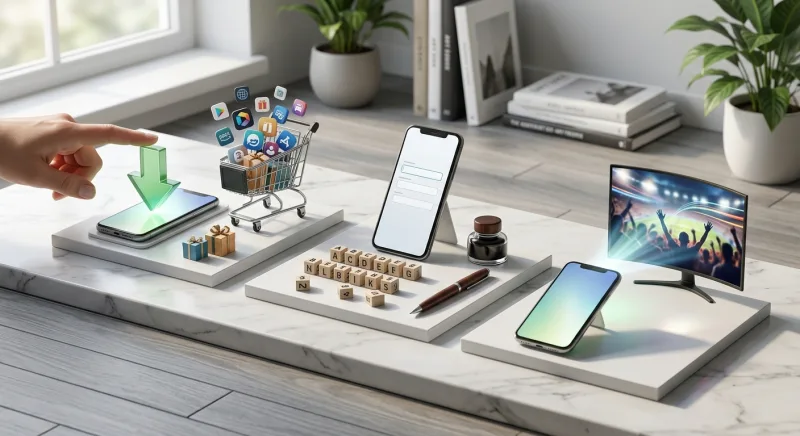
Android TV users have another choice worth a look, since apps for android tv have grown a lot in recent years, giving more freedom than older set-top boxes ever gave.
What Features Should You Look for in an IPTV Device and Service?
Streaming Quality: HD, FHD, UHD and 4K
Ultra High Definition (a video standard with far sharper detail than standard high definition) is now common across many iptv devices. We stream in HD, FHD, UHD, and 4K, so picture quality fits whatever device and link you use.
Stability and Buffering Prevention
EPG (Electronic Program Guide) Support
Channel and Content Library Size
Library size varies a lot across providers. We offer 17,000+ live channels and 117,000+ movies and series, giving a useful yardstick when comparing other IPTV devices and services against what's actually there.
By comparison, some rivals list smaller libraries; Smoo IPTV lists over 19,000 channels on its own buying guide, so checking exact numbers before you buy is always worth the extra minute.
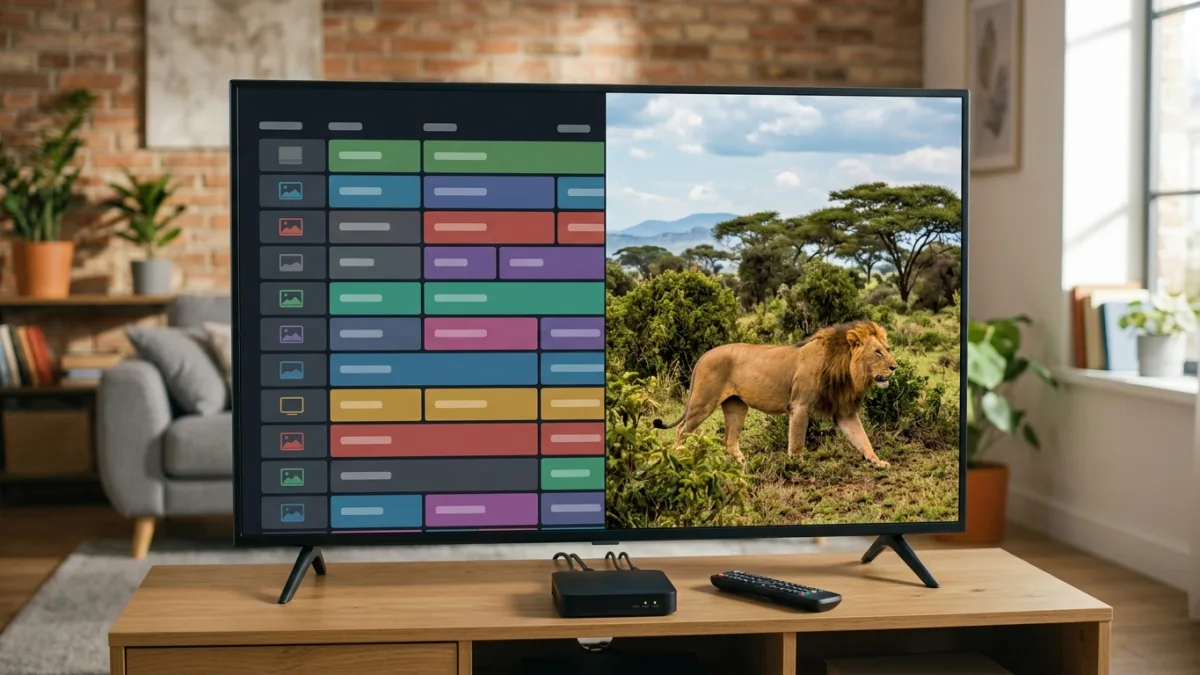
Reliability also needs a mention here. We keep 99% uptime, which keeps IPTV devices running smoothly even during busy hours, and that kind of steadiness is worth checking before you pick any provider.
Types of IPTV devices compared
Not all IPTV devices work the same way. Some plug into a TV, some sit inside a set-top box, and some run through an app on a phone or tablet. Picking the right type matters more than most buyers realize.
The table below lines up the most common IPTV devices side by side. Use it to weigh setup work, cost, and speed before you buy anything.
| Device type | Setup effort | Typical cost | Best for |
| Streaming stick (plugs into HDMI port) | Low | Budget-friendly | Casual viewers, small rooms |
| Dedicated set-top box | Medium | Mid-range | Daily watchers, families |
| Smart TV built-in app | Low | No extra cost | Simple, one-device setups |
| Android box | Medium to high | Mid-range | Power users who want apps and games too |
| Phone or tablet app | Low | Free with subscription | Travel and on-the-go viewing |
Each row fits a different lifestyle. Streaming sticks suit people who just want quick access with no fuss. Set-top boxes and Android boxes suit people who treat their setup like a home theater hub. Picking the wrong IPTV devices for your habits is the most common regret buyers mention.
Comparing IPTV devices by connection and format support
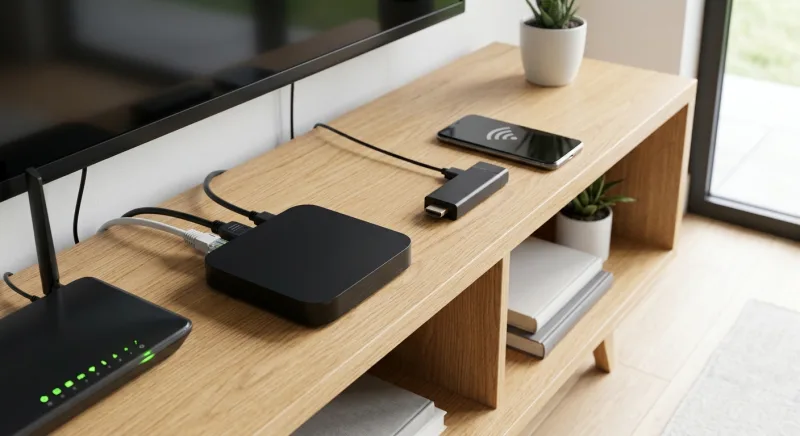
Beyond the type of hardware, IPTV devices also differ in how they connect to your network and what video formats they handle. This matters more than people expect, most of all for 4K content or homes with weak Wi-Fi.
IPTV itself is defined by world rules as a way of sending TV, video, sound, text, and data over set internet networks, with set levels of quality, safety, and trust built in. That rule is what tells apart a smooth stream from a buffering mess. (International Telecommunication Union, ITU)
The open standard behind much of this, known as DVB-IPTV, sets how sound and video content moves into and through the home over an internet link, and it underpins how most IPTV devices actually get and show what you watch. Knowing this helps explain why some boxes handle 4K smoothly while others stutter. (DVB Project, Digital Video Broadcasting)
| Feature | Wired (ethernet) | Wi-Fi only | Dual-band Wi-Fi + ethernet |
| 4K stream stability | Excellent | Fair | Good to excellent |
| Setup convenience | Lower (needs a cable run) | High | High |
| Best room placement | Near router | Anywhere | Anywhere |
| Typical buffering risk | Low | Medium to high | Low to medium |
If your main TV sits far from the router, a wired connection or a box with strong dual-band Wi-Fi is worth the small extra cost. Plenty of IPTV devices now include both options, so check the spec sheet before buying.
Legal considerations when choosing IPTV devices
It's worth being clear on the legal side of this market. The hardware itself is legal to own and sell. The trouble starts when a device is loaded with access to pirated content, which counts as copyright theft even though the box itself is not illegal. (Eurojust, EU Agency for Criminal Justice Cooperation)
Rule makers have also paid close heed to how these boxes get built and sold. Streaming set-top boxes, including IPTV devices that pull content from the internet, must meet gear rules set by the Federal Communications Commission, and devices that skip this step can face real fines. (Federal Communications Commission)
A UK government tracker found that 15% of UK internet users, around 7 million people, stream or download stuff that breaks copyright law. Of that same group, 13% used adapted streaming boxes that had been changed to reach illegal content. That's a big chunk of the market built on altered hardware rather than properly licensed IPTV devices. (UK Intellectual Property Office / gov.uk, 2017) (UK Intellectual Property Office / gov.uk, 2017) (Federal Communications Commission, via reporting on FCC Enforcement Advisory)
The legal risk isn't just in theory, either. Unauthorized commercial streaming of copyrighted material counts as a serious federal crime, and newer laws have closed gaps that once let illegal streaming operators dodge real criminal penalties. The Protecting Lawful Streaming Act of 2020 raised the stakes further, turning illegal streaming by commercial operators into a felony where it used to be treated as a lesser misdemeanor charge. (U.S. Copyright Office) (USPTO, U.S. Patent and Trademark Office)
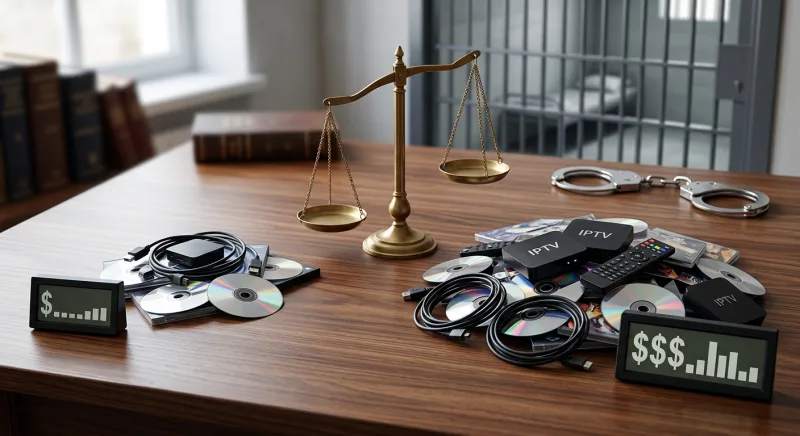
Fines can also grow with how much stolen material is involved. Under federal law, criminal copyright fines rise based on the number of copies made and their retail value, and repeat offenders can face up to 10 years in prison. That's a steep price for a cheap, pre-loaded box. (Legal Information Institute, Cornell Law School)
None of this means IPTV devices are risky by nature. It means the source of the content matters far more than the shape of the box. A legitimate provider with proper licensing keeps you on the right side of these rules.
Why consumer choice in IPTV devices matters
For years, people had few real choices for the boxes used to get pay-TV content, often stuck with whatever their provider gave them. Regulators have since looked at ways to open up that market and give people more say over the device marketplace. That shift is part of why today's IPTV devices market feels so much more open. (Federal Communications Commission, FCC)
How to compare IPTV devices before buying
Next, check uptime claims and support channels. A provider that won’t say how reliable its service is probably isn’t one you want to trust with your living room setup.
| Checklist item | Why it matters |
| Clear licensing information | Avoids legal risk tied to pirated content |
| FCC equipment authorization (US buyers) | Confirms the hardware meets required standards |
| Published uptime figures | Signals real-world reliability during peak hours |
| Wired and Wi-Fi options | Supports stable 4K streaming in any room |
| Transparent channel counts | Prevents inflated marketing claims |
Further reading
- Best IPTV for Firestick in 2026: Top Apps & Services Tested
- Best IPTV for Windows 2025: Top Players & Streaming Guide
- Discover the IPTV App for TV Revolution in Brampton
- Watch IPTV on Laptop? Guide & Top Providers
- Unlock TV Freedom: Calgary IPTV Box Guide 2024
- Unleash Cricket Mania: Ultimate IPTV Guide
- The Ultimate Guide to IPTV on Roku
- Streaming Revolution: How IPTV is Changing the Game for Google TV Users
- How to Stream IPTV on Your Laptop: A Complete Guide
- Best IPTV Provider for Roku in 2026: Setup, Cost, and Comparison Guide
- Roku Stick vs Fire Stick 2026: Which Streaming Device Wins?
- Best Iptv For Samsung Tv
FAQ
Are IPTV devices legal to own?
Yes, owning IPTV devices is legal. The hardware itself is just a box that streams video over the internet. Problems only start when someone uses that box to get stolen channels or paid content with no license. The device is legal; what you watch on it is what counts.
Can using an IPTV device get me in legal trouble?
It can, if the service you use streams copyrighted content without OK. Streaming pirated channels breaks copyright law, even though the box itself stays legal. Big-time operators face even higher risk, since illegal streaming can now be charged as a felony. (Eurojust, EU Agency for Criminal Justice Cooperation) (USPTO, U.S. Patent and Trademark Office)
What is the difference between IPTV and a streaming box like Roku?
Roku and similar boxes mainly run licensed apps like Netflix or Hulu. IPTV uses internet protocol networking to send live TV, video, and data through managed networks with set rules for quality and safety. Many IPTV devices can run both kinds of service, which is why the line often feels blurry. (International Telecommunication Union, ITU)
Do IPTV devices need FCC approval in the US?
Yes. Streaming set-top boxes sold in the US, including IPTV devices, must meet FCC gear rules. Devices that skip this step can face real fines, and buyers should check for proper labels before they buy, mostly with lesser-known foreign-made hardware. (Federal Communications Commission)
Why are some IPTV boxes considered risky to buy?
Some boxes are sold pre-loaded with apps built to pull in pirated streams. Government tracking has found that a big share of online copyright infringers use streaming boxes changed this way. That risk sits with the seller's setup, not the base hardware, but it still lands on the buyer. (UK Intellectual Property Office / gov.uk, 2017)
How common is copyright infringement through streaming devices?
It's more common than many people think. One government tracker found that 15% of UK internet users, around 7 million people, stream or download content that breaks copyright law. That scale is part of why regulators keep a close eye on how IPTV devices get sold and set up. (UK Intellectual Property Office / gov.uk, 2017)

What technical standard do legitimate IPTV devices follow?
Many real systems follow DVB-IPTV, an open rule that sets how sound and video move to and through the home over internet networks. This rule is part of what lets well-built IPTV devices give steady, sure playback instead of constant buffering or drops. (DVB Project, Digital Video Broadcasting)
What penalties exist for illegal streaming in the US?
Fines grow with the number of copies involved and the sale value of the work, and repeat offenders can face up to 10 years in prison under federal law. The Protecting Lawful Streaming Act also closed gaps that once let big illegal streaming groups dodge felony charges. (Legal Information Institute, Cornell Law School) (U.S. Copyright Office)
Key statistics
- A UK government tracker found that 15% of UK internet users, approximately 7 million people, either stream or download material that infringes copyright. (UK Intellectual Property Office / gov.uk, 2017)
- Among UK online copyright infringers, 13% are using adapted streaming boxes that can be easily modified to stream illicit content. (UK Intellectual Property Office / gov.uk, 2017)
Expert insights
You are still broadcasters first.
Ajit Pai, FCC Chairman
Dropping our rule, or at least making a safe harbor, would bring over-the-air broadcasts in line with streaming broadcasts.
Michael O'Rielly, FCC Commissioner
References
- Streaming video set-top boxes (including IPTV devices that stream internet content) must comply with FCC equipment authorization requirements, and noncompliant devices can be subject to significant penalties. — Federal Communications Commission · Official FCC enforcement advisory, a federal regulatory agency with jurisdiction over equipment authorization for streaming/IPTV devices
- Unauthorized commercial streaming of copyrighted content is treated as a serious federal offense, with the Protecting Lawful Streaming Act addressing gaps in criminal penalties for illegal streaming services. — U.S. Copyright Office · Official U.S. Copyright Office correspondence to Congress on felony streaming law and penalties
- DVB-IPTV (also known as DVB-IPI) is an open standard that defines how audio/video services are delivered to and through the home via Internet Protocol networking, underpinning how IPTV devices receive and display content. — DVB Project, Digital Video Broadcasting · DVB is the international industry consortium standards body, ratified via ETSI that defines IPTV delivery specifications
- IPTV is officially defined by international standards as multimedia services such as television, video, audio, text, graphics, and data delivered over managed IP-based networks with required levels of quality of service, security, interactivity, and reliability. — International Telecommunication Union, ITU · ITU is the United Nations specialized agency for information and communication technologies and the body that formally developed and approved the global technical definition of IPTV through its Telecommunication Standardization Sector.
- Illegal IPTV streaming and the sale of pre-loaded set-top boxes that enable access to pirated content is a recognized form of copyright infringement, even though the hardware devices themselves are legal. — Eurojust, EU Agency for Criminal Justice Cooperation · Eurojust is an official European Union agency that compiles cross-border legal assessments of copyright piracy enforcement, including CJEU case law on illegal streaming set-top boxes.
- Consumers have historically had limited choice in the navigation devices and set-top boxes used to access pay-TV programming, with regulators examining ways to expand competition and consumer choice in the video device marketplace. — Federal Communications Commission, FCC · The FCC is the U.S. federal regulatory agency overseeing multichannel video programming distributor, MVPD device competition and compatibility rules, including CableCARD and smart video device standards.
- The Protecting Lawful Streaming Act of 2020 made illegal streaming a felony offense for commercial operators, whereas it was previously only a misdemeanor. — USPTO, U.S. Patent and Trademark Office · Federal agency, U.S. government body overseeing intellectual property policy publishing official summaries of enacted copyright legislation
- Under 18 U.S.C. § 2319, criminal copyright infringement penalties scale based on the number of copies and retail value of the infringed works, with repeat offenders facing up to 10 years imprisonment. — Legal Information Institute, Cornell Law School · Official codified U.S. federal statute text hosted by a recognized legal reference institution, law.cornell.edu
- The FCC has issued enforcement advisories warning that many internet streaming set-top boxes on the market do not comply with FCC equipment marketing and certification requirements, and that marketers or users of noncompliant devices can face substantial fines. — Federal Communications Commission, via reporting on FCC Enforcement Advisory · Reports directly on an official FCC Enforcement Bureau advisory regarding equipment authorization rules for streaming devices